Soundbar blocking the TV screen or remote sensor? How to fix it
A common problem with TVs on short feet. The fix depends on whether the bar blocks the picture, the sensor, or both.
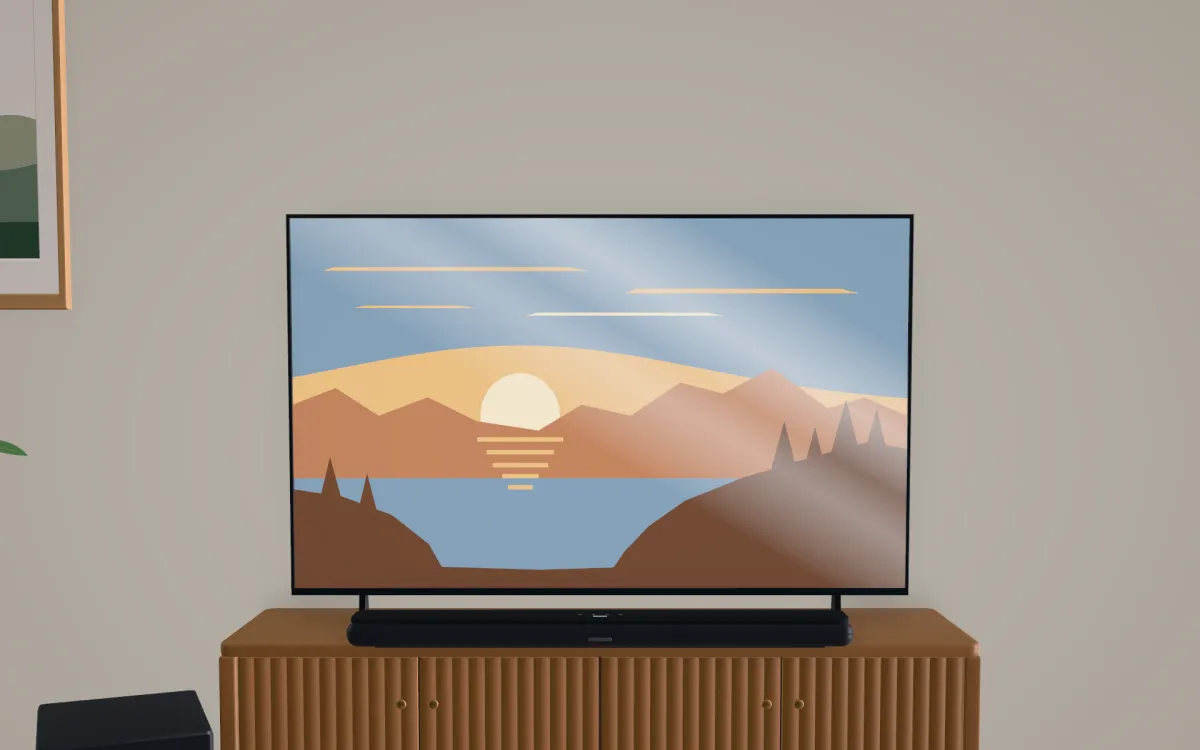
A soundbar blocks the TV when it’s taller than the gap between the console and the bottom of the picture, which is common with TVs on short feet. Fix it by raising the TV (taller stand position, a tabletop pedestal or wall mount), lowering the bar (a lower shelf or a slimmer bar), or wall-mounting both with the gap the bar’s maker specifies. If only the remote sensor is blocked, move the bar or turn on its IR repeater; Sony advises using a repeater only when the TV stops responding.
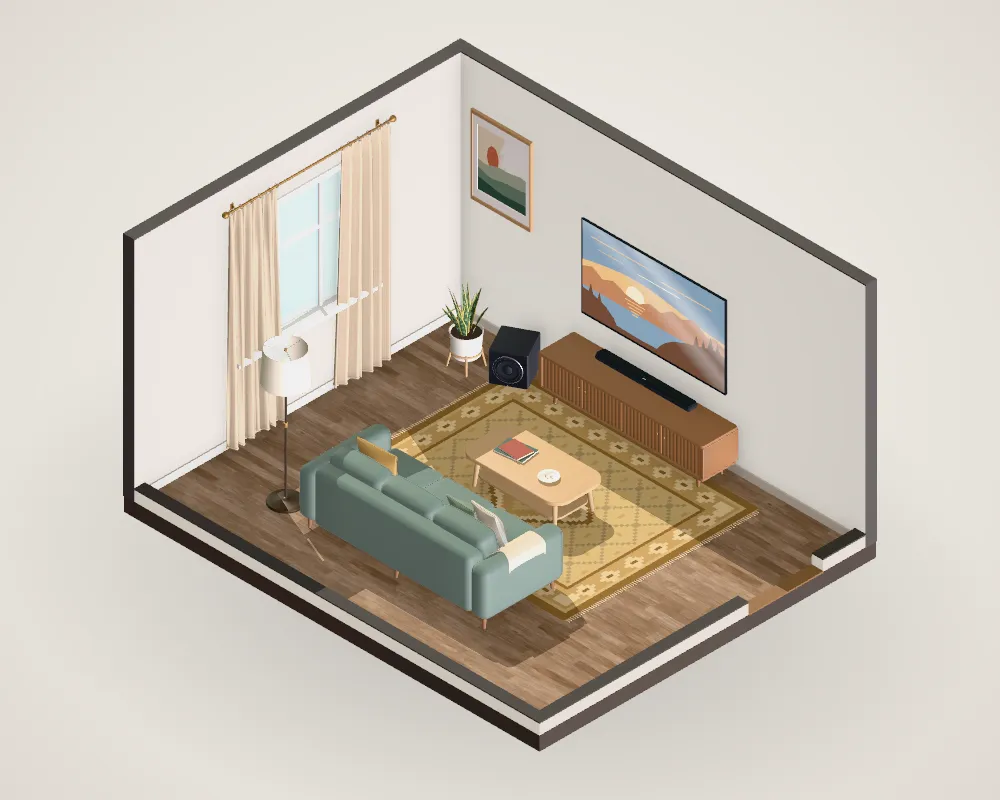
Is it the picture or the sensor?
Sit in your usual seat and look at the bottom of the screen.
- The bar covers part of the picture: the bar is taller than the space between the console and the bottom of the picture. Subtitles and tickers sit low in the frame, so even an inch matters.
- The picture is clear but the remote is unreliable: the bar is covering the TV’s infrared (IR) sensor, usually a small window on the bottom bezel.
Fixes for a blocked picture
1. Use the TV’s taller stand position. Many current TVs have feet that mount in two positions, one of them higher specifically to clear a soundbar. Some offer a pedestal instead. Check the manual or the spec sheet for “stand positions”.
2. Wall-mount the TV. Then you choose the height. With the screen’s center at the usual 42 inches, even a 75-inch TV’s picture starts about 23.5 inches from the floor, high enough to clear a bar on most consoles. Mount the bar on the wall underneath with its specified gap, or leave it on the console.
3. Lower the bar. A lower shelf in the media unit, or a slimmer bar. Don’t push it into an enclosed cabinet: Sonos and Bose both say that blocks the sound.
4. Check the gap your bar needs. Gaps aren’t just about clearance; up-firing Atmos drivers need open air above them. Sony asks for 120 mm under a slim wall-mounted TV and 200 mm under a deeper one; Sonos for 4 inches above an Arc Ultra.
Fixes for a blocked remote sensor
5. Move the bar or use its IR repeater. Shifting the bar slightly forward or to one side often clears the sensor. Many bars include an IR repeater that relays the remote’s signal to the TV; Sony recommends turning it on only if the TV stops responding, since it can cause interference otherwise. Using HDMI-CEC (controlling the TV and bar from one remote) also sidesteps the problem.
Find a TV whose stand suits your consoleReal TVs' stand widths, depths and heights against your furniture. Open →Questions people ask
My soundbar is taller than my TV's feet. What can I do?
Many TVs offer a second, taller foot position or a pedestal option; check the manual. Otherwise wall-mount the TV, put the bar on a lower shelf, or choose a slimmer bar.
My soundbar blocks the TV remote sensor. How do I fix it?
Move the bar forward or slightly to one side of the sensor, or turn on the bar’s IR repeater if it has one. Sony’s advice is to enable the repeater only if the TV doesn’t respond, because it can interfere when the TV can already see the remote.
How much gap does a soundbar need under the TV?
Whatever its maker specifies: from about 2 cm on a stand (Samsung HW-Q990) to 2 inches (Sonos Beam) or 4 inches (Sonos Arc Ultra), and up to 200 mm under a deep wall-mounted TV for Sony’s Theatre Bar 9 and 8.
Sources
- Sony Electronics Support (2021). The sound bar is blocking the IR sensor of the TV.Manufacturer
- Sony Electronics (2025). BRAVIA Theatre Bar 9/8 help guide (installation).Manufacturer
- Sonos. Sonos Arc Ultra user guide (placement).Manufacturer
- Sonos. Sonos Beam (Gen 2) user guide (select a location).Manufacturer
- Samsung (2024). HW-Q990D user manual.Manufacturer
- Bose (2026). Soundbar placement: Lifestyle Ultra Soundbar.Manufacturer
- THX. Where should I place my speaker bar?.Professional guide
Numbers on this page follow these sources. Where a figure is our own calculation or a rule of thumb, the text says so. Found a mistake? Tell us.